
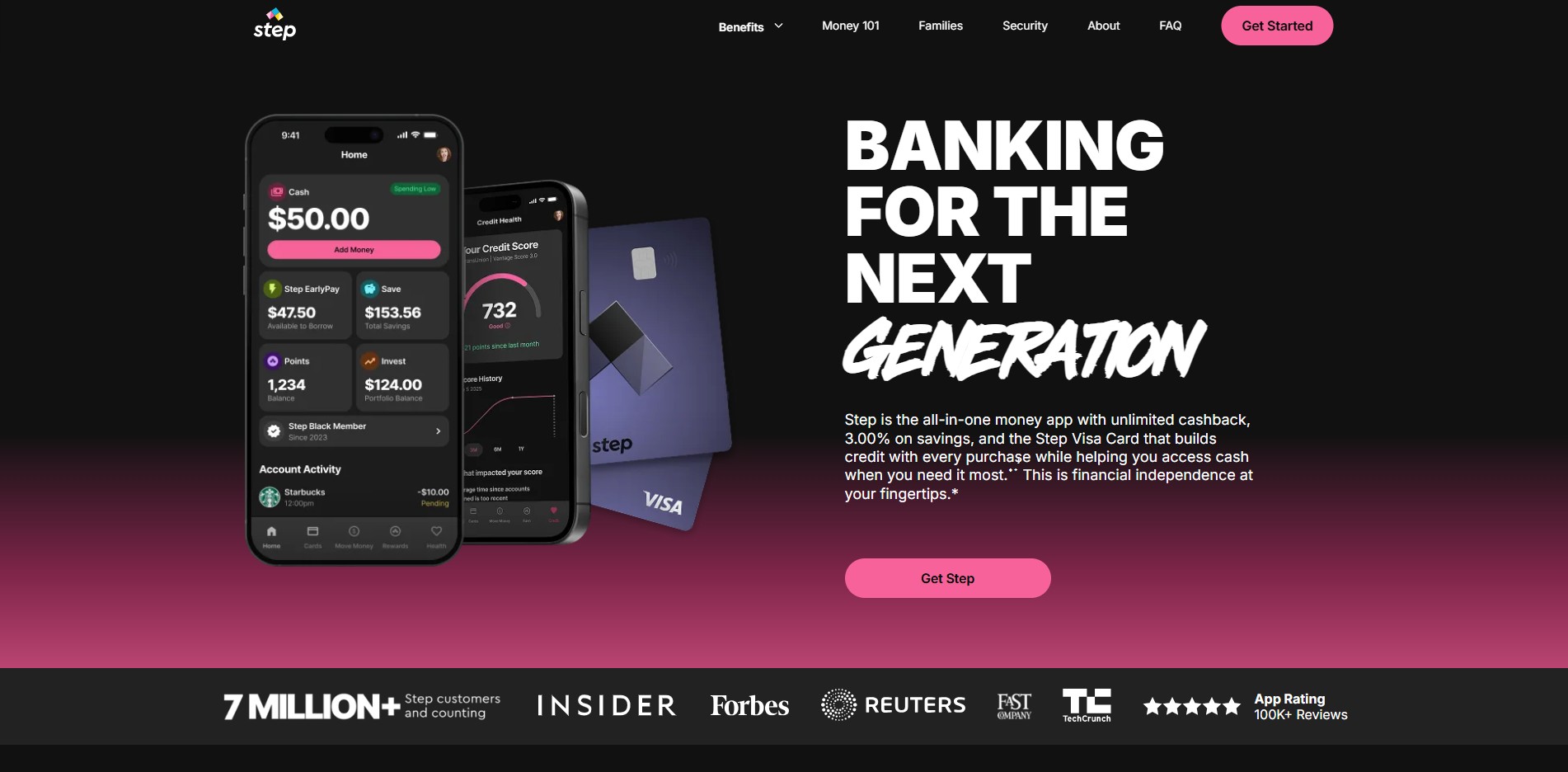
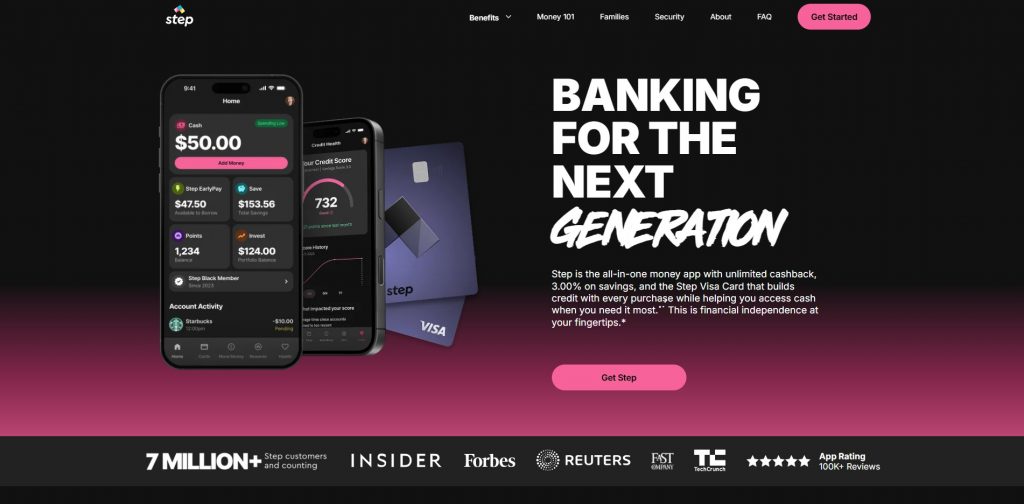
The Step Banking App has become one of the most popular financial apps in the United States for teens, students, and young adults who want an easy way to manage their money. Designed with modern banking features and financial education tools, Step helps users build healthy money habits while offering a secure and convenient digital banking experience.
Unlike traditional banks that often charge monthly maintenance fees or require minimum balances, the Step Banking App focuses on simplicity, accessibility, and financial literacy. Whether users want to receive direct deposits, make purchases with a Step card, send money to friends, or track their spending, the app provides a user-friendly platform for managing everyday finances.
This article explores how the Step Banking App works, its features, benefits, and why it has become a popular choice for many people across the United States.
What Is the Step Banking App?
The Step Banking App is a financial technology (fintech) application that offers digital banking services through its banking partners. It provides users with spending, saving, and money management tools using a mobile-first approach.
The app is especially popular among teenagers and young adults because it combines banking services with educational resources that encourage responsible financial habits.
Users can manage their money directly from their smartphones without needing to visit a physical bank branch.

How Does the Step Banking App Work?
Getting started with Step is straightforward.
Step 1: Download the App
Users can download the Step Banking App from the Apple App Store or Google Play Store.
Step 2: Create an Account
New users complete a simple registration process by providing basic personal information.
Identity verification may be required according to banking regulations.
Step 3: Receive a Step Card
Eligible users receive a Step Visa Card that can be used for everyday purchases anywhere Visa is accepted.
Step 4: Add Money
Funds can be added through:
- Direct deposit
- Bank transfers
- Peer-to-peer transfers
- Supported payment methods
Step 5: Start Managing Finances
Users can monitor balances, track spending, receive payments, and manage their money through the mobile application.
Key Features of the Step Banking App
Digital Banking
The app allows users to perform many traditional banking tasks directly from their smartphones.
Users can:
- View account balances
- Review transactions
- Transfer funds
- Manage their Step card
- Receive account notifications
Visa Card
Eligible users receive a Step Visa Card that works for purchases in stores and online wherever Visa is accepted.
The card also includes security protections commonly associated with digital payment platforms.
Direct Deposit
Users can receive paychecks through direct deposit.
This feature provides faster access to earned wages compared to receiving paper checks.
Many employers support direct deposit into eligible Step accounts.
Peer-to-Peer Payments
Sending money to friends and family is simple.
Users can transfer funds quickly within supported services, making it convenient for splitting bills or paying friends.
Spending Insights
The app automatically tracks spending activity.
Users can categorize purchases and better understand where their money is being spent.
These insights help improve budgeting and financial planning.
Instant Notifications
Users receive real-time alerts whenever purchases or account activity occurs.
This helps users monitor spending and quickly identify unauthorized transactions.
Benefits of the Step Banking App
Easy to Use
One of the biggest advantages of Step is its simple interface.
Even users with little banking experience can navigate the application without difficulty.
Everything is organized into easy-to-understand sections.
Financial Education
Step goes beyond traditional banking by teaching users how to manage money responsibly.
Many educational tools focus on:
- Budgeting
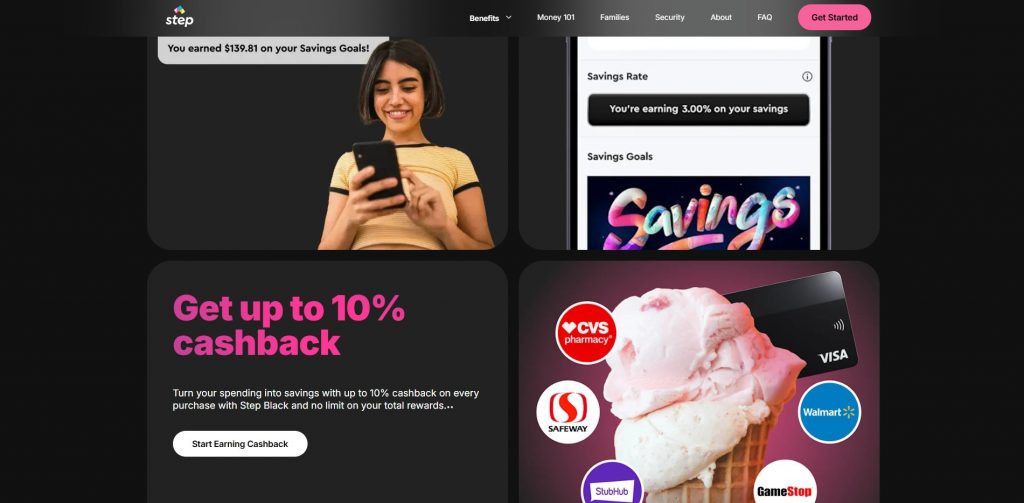
- Saving
- Building financial habits
- Responsible spending
- Understanding personal finance
These resources are especially valuable for younger users beginning their financial journey.
Mobile Convenience
Everything can be managed from a smartphone.
Users no longer need to visit bank branches for many everyday banking tasks.
Whether checking balances, transferring funds, or reviewing transactions, the app provides quick access from virtually anywhere.
Spending Control
The application helps users stay aware of their daily spending habits.
Budget tracking tools make it easier to avoid overspending.
Users can identify unnecessary purchases and make smarter financial decisions.
Secure Transactions
Security is an important feature of the Step Banking App.
The app includes protections such as:
- Secure login methods
- Account monitoring
- Transaction alerts
- Card management controls
These features help users maintain greater control over their finances.
Direct Deposit Benefits
Receiving direct deposits offers several advantages.
Users may receive:
- Faster paycheck access
- Automatic deposits
- Convenient payment management
- Reduced need for paper checks
This makes managing income much easier.
No Need for Traditional Banking Visits
Because everything operates digitally, many banking tasks can be completed without visiting a physical branch.
This saves time and provides greater flexibility.
Who Can Benefit from the Step Banking App?
The Step Banking App is suitable for many different users, including:
- Teenagers learning money management
- College students
- Young professionals
- First-time banking users
- Parents teaching children financial responsibility
- Individuals who prefer mobile banking
Its simple interface makes it accessible for users with varying levels of financial experience.
Why Many USA Users Choose Step
Many Americans prefer mobile banking over traditional banking because of convenience.
The Step Banking App offers several features that appeal to modern users, including:
- Fast account access
- Digital payments
- Spending notifications
- Mobile money management
- Financial education
- Secure transactions
These features make the app a practical option for everyday banking.
Managing Money with Step
The app encourages healthy financial habits through built-in budgeting tools.
Users can:
- Track monthly expenses
- Monitor available balances
- Review spending history
- Plan future purchases
- Stay within personal budgets
Having all financial information in one place helps users make informed financial decisions.
Safety and Security
Security remains one of the most important aspects of digital banking.
The Step Banking App uses multiple security measures to protect user information and financial transactions.
These include:
- Encrypted connections
- Account verification
- Secure authentication
- Fraud monitoring
- Transaction notifications
Users should also practice good online security by creating strong passwords and protecting their login credentials.
Tips for Getting the Most Out of Step
To maximize the benefits of the app:
- Set up direct deposit if available.
- Monitor spending regularly.
- Review monthly transactions.
- Enable security notifications.
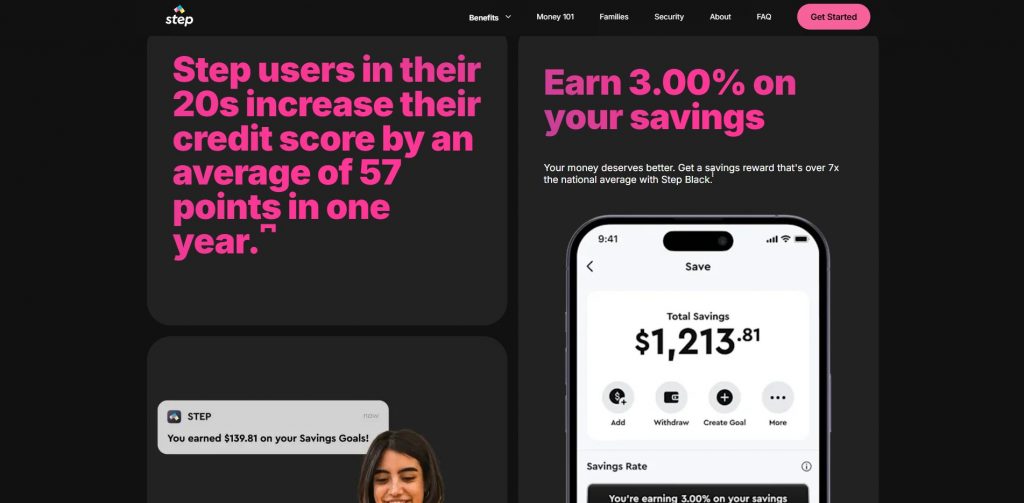
- Create savings goals.
- Use budgeting features consistently.
- Keep the app updated.
- Protect your account with secure login methods.
Following these habits can improve financial organization and overall money management.
Advantages Over Traditional Banking
Many users find Step more convenient than conventional banking for everyday financial needs.
Some advantages include:
Faster Account Access
Everything is available through the mobile application.
Simple User Experience
The app focuses on ease of use rather than complicated banking terminology.
Better Financial Awareness
Real-time transaction tracking helps users stay informed about their finances.
Modern Banking Features
Digital payments, mobile transfers, and spending insights provide a more flexible banking experience.
Educational Resources
Step encourages users to develop responsible money habits instead of simply providing banking services.
Frequently Asked Questions
Is the Step Banking App available in the United States?
Yes. The app is designed for eligible users in the United States.
Can I receive my paycheck through Step?
Eligible users can set up direct deposit to receive paychecks directly into their Step account.
Does Step provide a payment card?
Yes. Eligible users receive a Step Visa Card for everyday purchases where Visa is accepted.
Is the app suitable for teenagers?
Yes. Step is well known for helping teenagers and young adults learn responsible financial management while providing convenient banking tools.
Can I track my spending?
Yes. The app includes spending insights, transaction history, and budgeting tools that help users monitor their finances.
Final Thoughts
The Step Banking App has established itself as one of the leading digital banking solutions for teenagers, students, and young adults in the United States. Its combination of mobile banking, spending insights, direct deposit, budgeting tools, and financial education creates an easy-to-use platform for managing everyday finances.
Rather than focusing solely on banking transactions, Step encourages users to build healthy financial habits that can benefit them for years to come. The app’s intuitive interface, secure payment features, and convenient money management tools make it an attractive option for those who prefer digital banking over traditional banking methods.
Whether you’re opening your first financial account, looking for a smarter way to manage your spending, or seeking an easy mobile banking experience, the Step Banking App offers a practical and modern solution for eligible users across the USA.